
When you start a project everything is open field, and a fair amount of reasonable doubts come at you. In our case they are usually related to how mature web browsers are: whether they will support Grid Layout or this or that JavaScript method, and things like that — because on the one hand we like to reward users with a better experience, and on the other we like to try new things.
For a while we debated whether it was time to leave icon fonts behind (which have given us such a good time) and start using SVG sprites, and for more than a year now that topic has been settled :D
The basics of image sprites and SVG sprites
The image sprite is a concept imported from video-game development: joining in a single image all the images we will need, for example to animate a character. That image contains all the possible positions of the character, and the sprite is moved inside a container to create the feeling of movement.
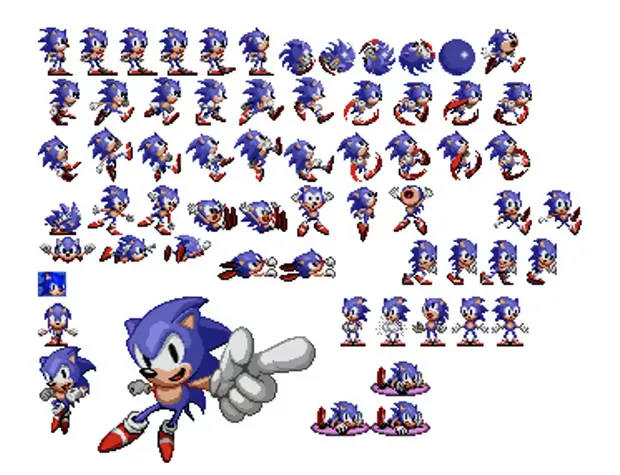
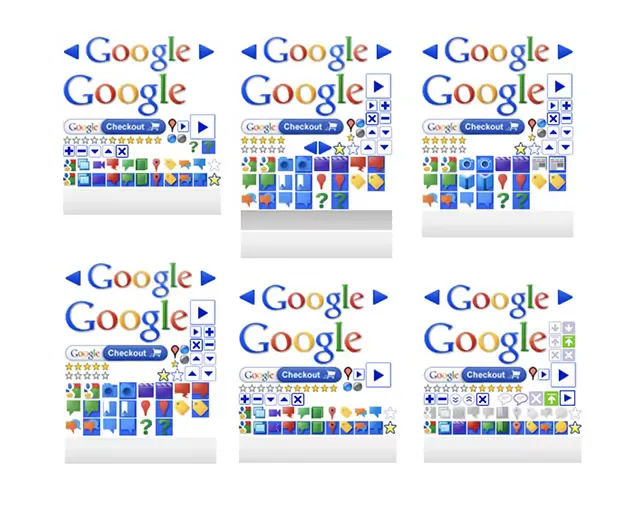
In web development it has been used in the same way. One image contains the
needed assets — iconography, background images, and so on — and we then use it
with the CSS properties background-image and background-position. There is
also the option of animating them by creating a sequence with steps().
But an SVG sprite is different mainly because we do not use it through CSS:
instead we include the images in the HTML with the <svg> and <use> tags.
In both cases, the trick is that although it is a larger image, it is also a single request to the server, which usually means a big saving and a performance improvement for the page.
Why move on from icon fonts
Although there are a few reasons to be more conservative, there is actually a good list of reasons to use the sprite instead of the typeface:
Advantages
- We can use complex illustrations, not only icons
- The cost of getting all the images will be a single request (or none)
- It is easy to use, control and position in every browser and device in a consistent way
- It is very easy to maintain and extend the sprite
- With the
<title><desc>tags +aria-labelledbywe improve aspects such as accessibility - There is no anti-aliasing of the icons because they are not type
- We can apply modifications with CSS properties (with some limitations)
- It can be multicolour, and we can add filters and gradients
- Support is almost total, although it varies depending on whether it is in the same document or external
- If the sprite is inside the document and the browser supports it, it renders, so we avoid possible loading failures because it is not requested
- The default semantics of the
<svg>tag indicate that it is an image
Disadvantages
- There is no support for old browsers: IE 8 and Android 2.3
- If it is in the HTML, the document is more verbose and harder to read
- We cannot animate it unless it is inline, because
<use>injects the<symbol>into the Shadow DOM
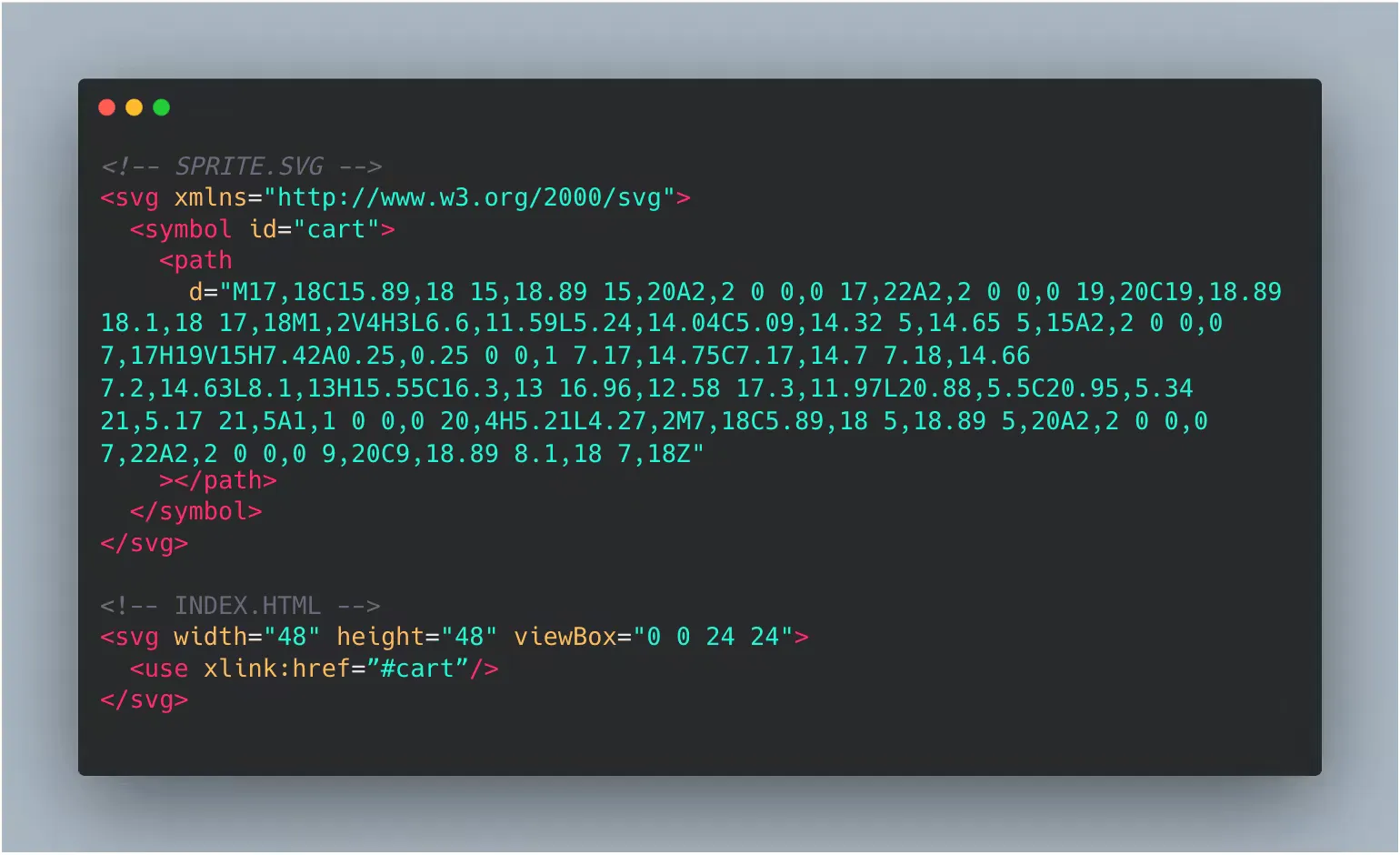
How to create an SVG sprite
- Create an svg tag
<svg> - Inside the SVG, create a
<symbol>tag with an id that identifies it, for each icon or image we want to use - Copy and paste the contents of the icon’s
<svg>tag (<path>,<circle>,<rect>…) into the corresponding<symbol> - Decide whether we include it in the document or use it as an external file

How to keep using gradients
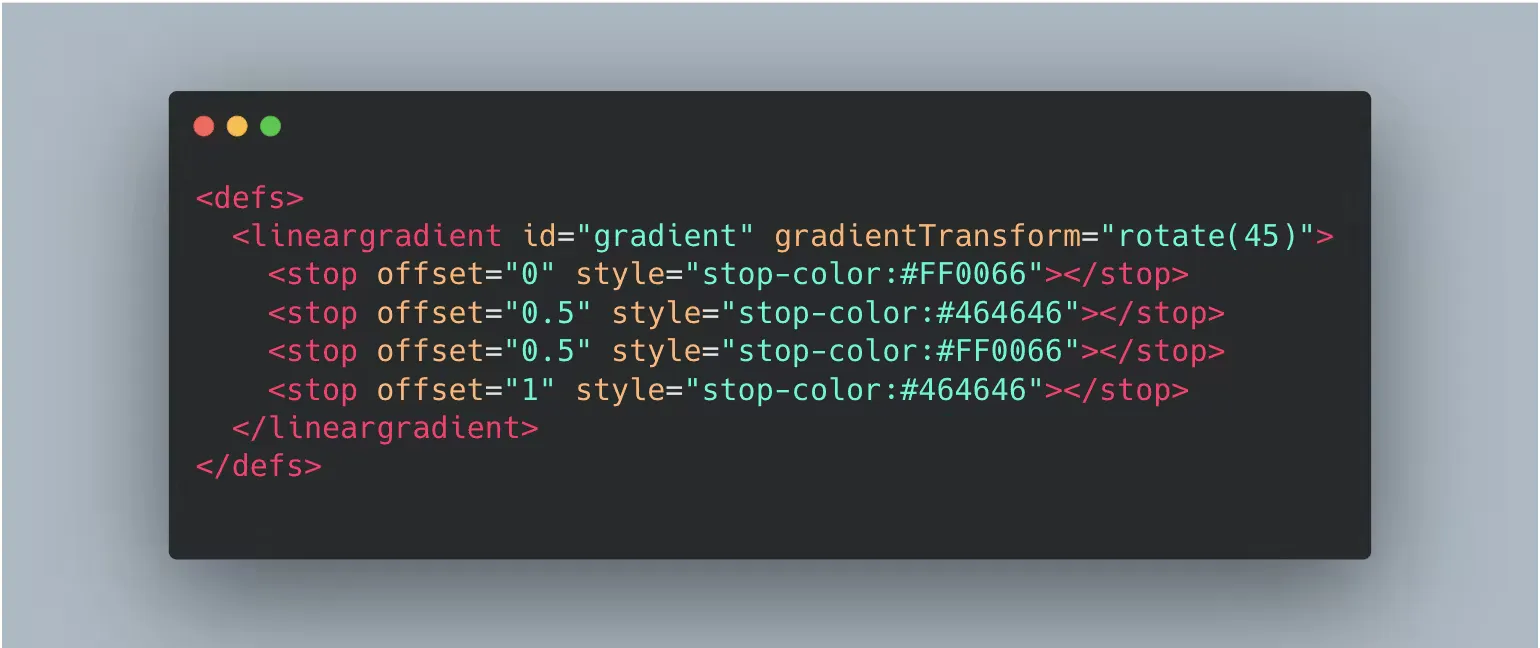
If our images use gradients or filters, we can include them in the sprite as
well: we only have to group all these effects in a <defs> tag, identify them
with a unique id, and then apply them to each <symbol>.
How to call it. External file or in the HTML itself
To include an icon from our set in our HTML we use the [xlink:href] attribute
of the <use> tag, pointing to the icon id. We only have to keep in mind
whether the sprite is an external file or will be included in our document.
Both have their particularities, so they have to be analysed separately.
If we choose to use an external file we have to consider that:
- We make a request to the server
- The HTML is cleaner because there is less code
- Some browsers such as IE cannot resolve the path of the
[xlink:href]attribute
IE11 support
If we are going to support IE11, the best approach is to add the sprite in the
HTML inside a <div> container and make it not visible.
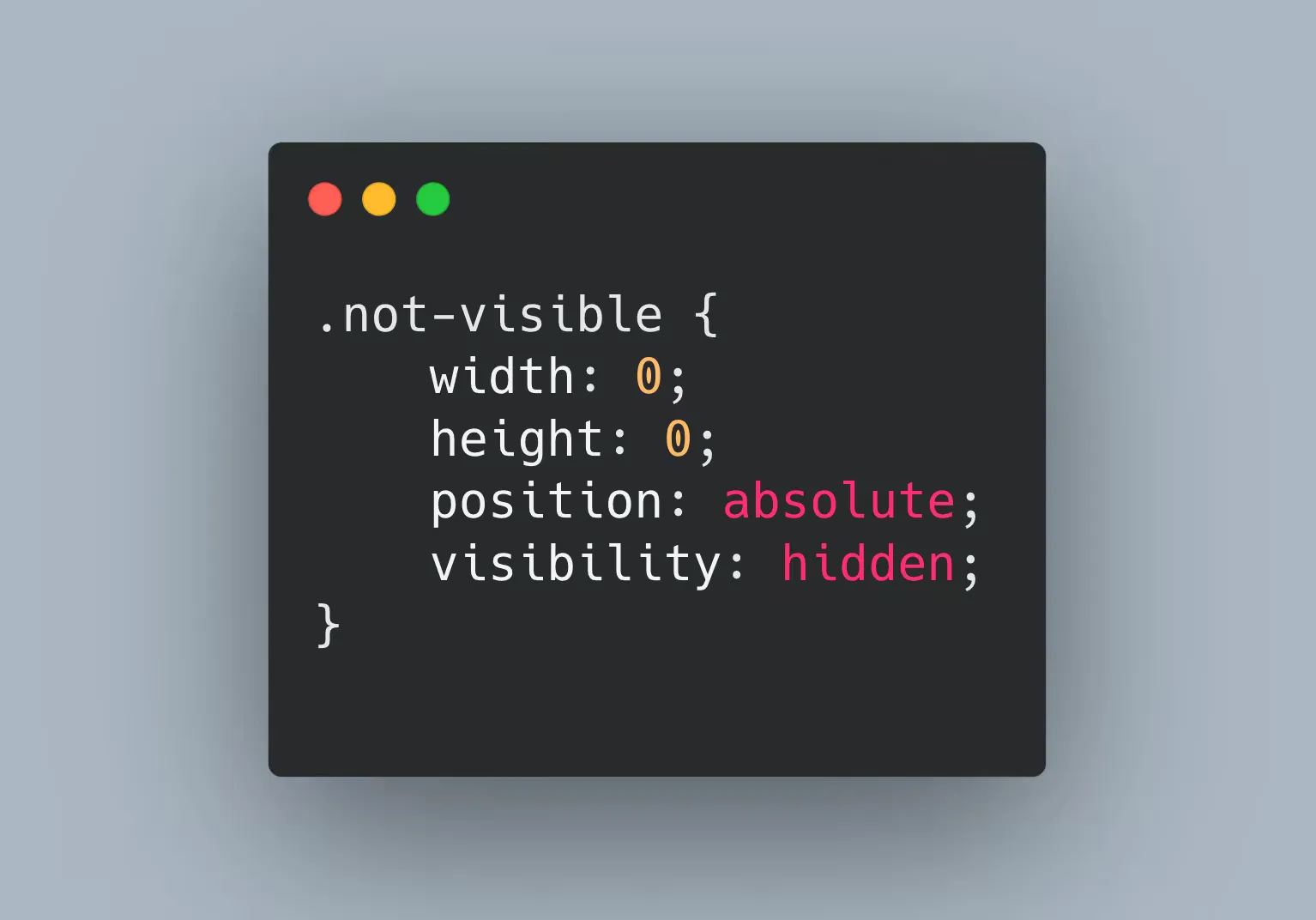
But if we choose to use it as an external file we can use libraries such as svg4everybody, which is a polyfill and will kick in when the browser is not able to render the images.
Demo
Here is a simple demo of this approach.
Conclusion
SVG sprites are very appealing because they combine a traditional technique with a modern specification, but before deciding whether to use sprites, icon fonts or images, think about who it is aimed at, what that user is like, and with which device and browser they will consume that information.
Knowing your audience is hard and requires metrics, but thinking about the user is easy. True, you may get it wrong — but you will get it wrong anyway if you think of no one but yourselves as the typical user.
That said, weigh the complexity of the icons: whether they are monochromatic, whether they need animation, transition, or neither, whether the set is large or likely to be updated. Also think about the oldest browser that will have to support it, and whether it is worth using an external library or having more HTML on every page… all of that will give you excellent clues to choose the best approach.